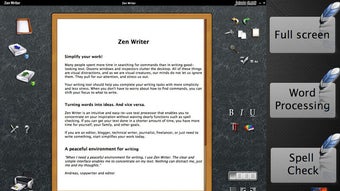
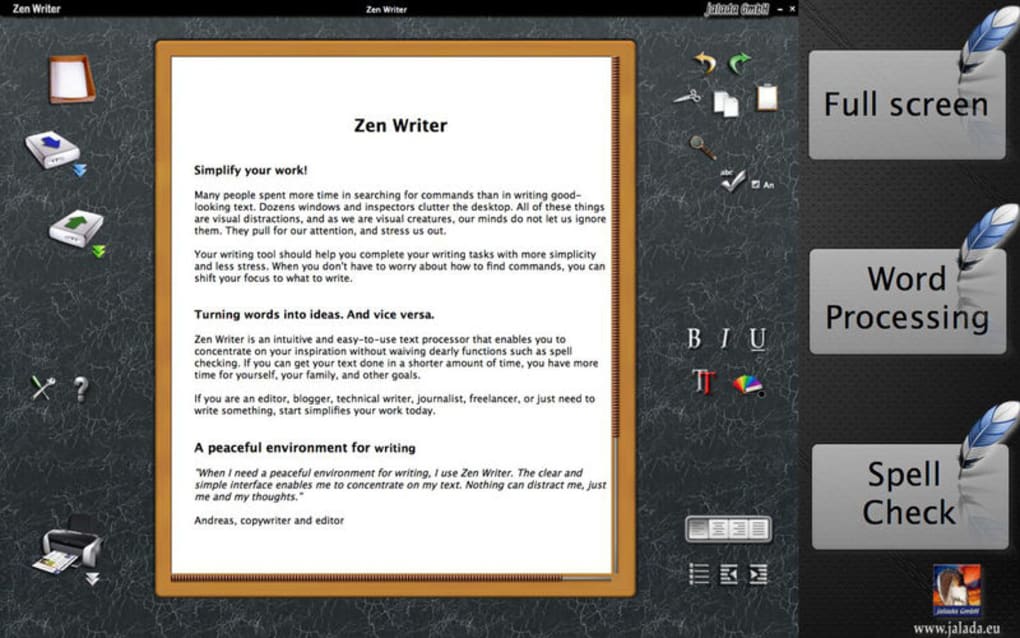

A tool to help remove distractions as you write Zen Writer is a writing program that creates a distraction-free environment for you to work on your computer. It is better suited to people who are writing fiction and who are frequently distracted by icons around the edge of their word processor. A writing program similar to Microsoft Word Zen Writer is supposed to be a writing program that removes distractions from your screen, but it doesn't turn off your other apps or notifications.
If you have a split screen as you write, then it puts the other objects in the background. For example, if you are rewriting a news item and you have your web browser on the left, then Zen Writer fades it out a little and puts it in the background. As a result, this version of Zen Writer is only useful for people working from text-based books or for people who are writing fiction.
A little disappointing for Zen Writer fans Zen Writer has a Mac version and versions for other platform and operating systems. For some reason, the Mac version is woefully less powerful and has far fewer features than it does with other operating systems and platforms. The Mac version is similar to a cheap Microsoft Word imitation, but it doesn't have the usual Zen Writer features such as turning off your other apps, muting other apps, and giving you a clear work space while windowed.
It seems very under-powered when compared with other versions of the app on other operating systems.







